YouTube says3 years agoChannel Almanac says11 April 2023, 18:04
Find anything a YouTube channel ever uploaded, by its exact date. Right on YouTube.
Example: 96 uploads on the demo channel below say “3 years ago”. This is the one from Tuesday 11 April 2023.
The problem
YouTube can’t take you to a date.
A channel’s Videos tab sorts three ways: Latest, Popular, Oldest. Every upload is labelled “3 years ago” or “7 years ago”, never a day. Looking for one video from spring 2019 on a channel with thousands of uploads means scrolling past everything newer and guessing from thumbnails.
- No date filter
- Latest, Popular and Oldest are the only ways to sort a channel.
- Vague labels
- “3 years ago” covers a whole year of uploads, sometimes hundreds of them.
- Endless scroll
- Older uploads only appear after you scroll through every newer one.
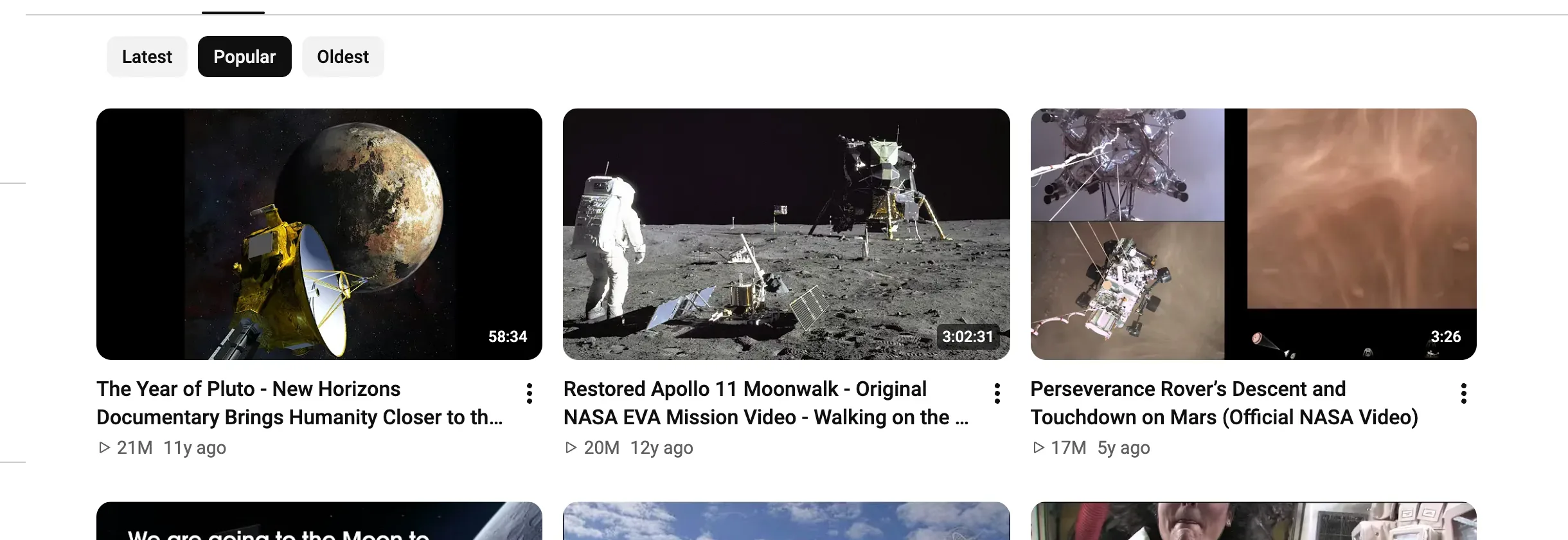
Channel Almanac adds Dates, a panel that knows the exact day of every upload, and a Most liked sort.
How to use it
Watch the demo
or press Alt Shift D or, on a Mac, ⌥ Option ⇧ Shift D anywhere on YouTube
Click Dates
It sits after Latest, Popular and Oldest, next to Most liked, on any channel’s Videos, Shorts or Live tab.
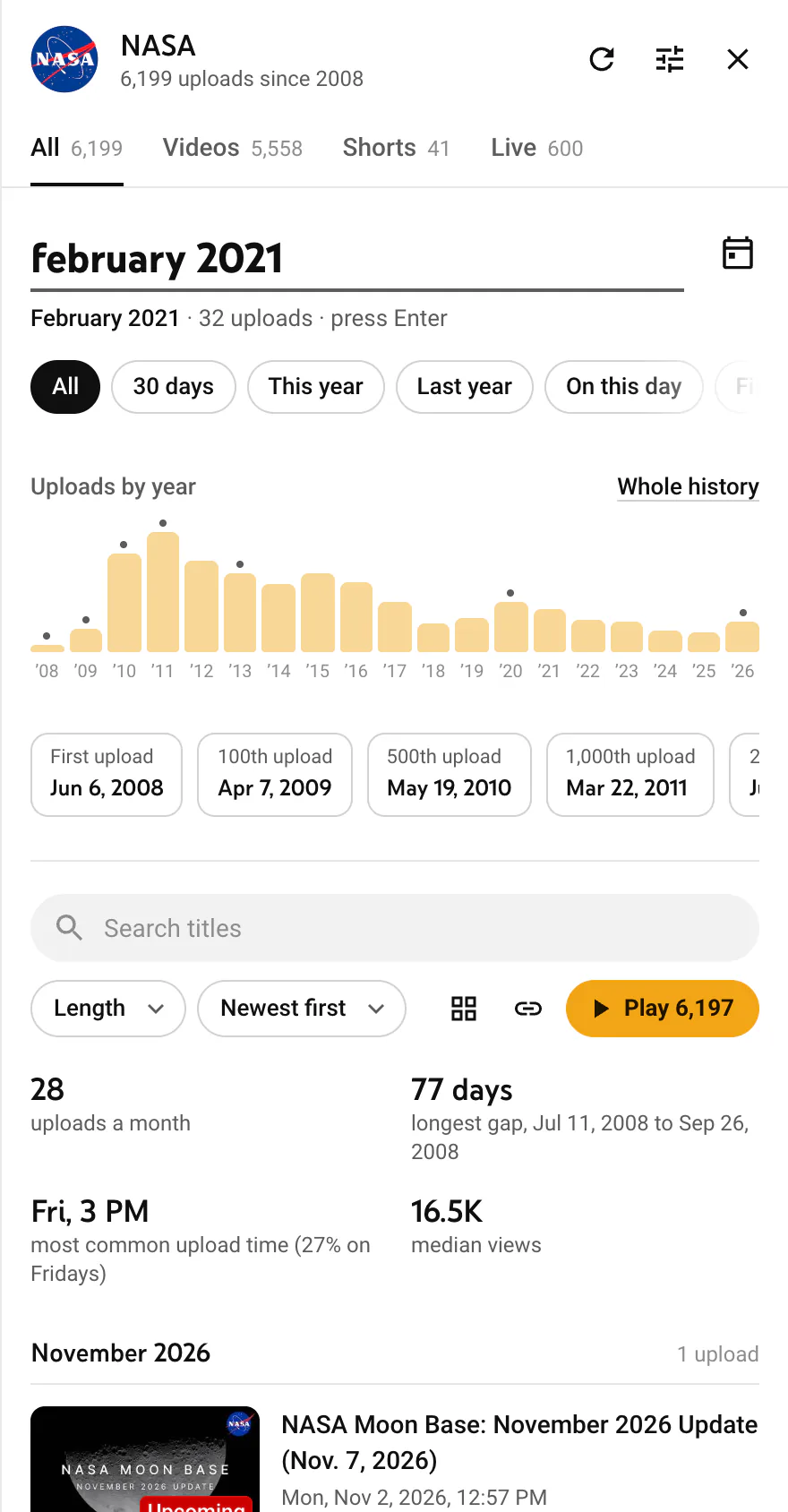
Say when
Type “february 2021”, “summer 2019” or “first video”. The preview counts the uploads before you press Enter.
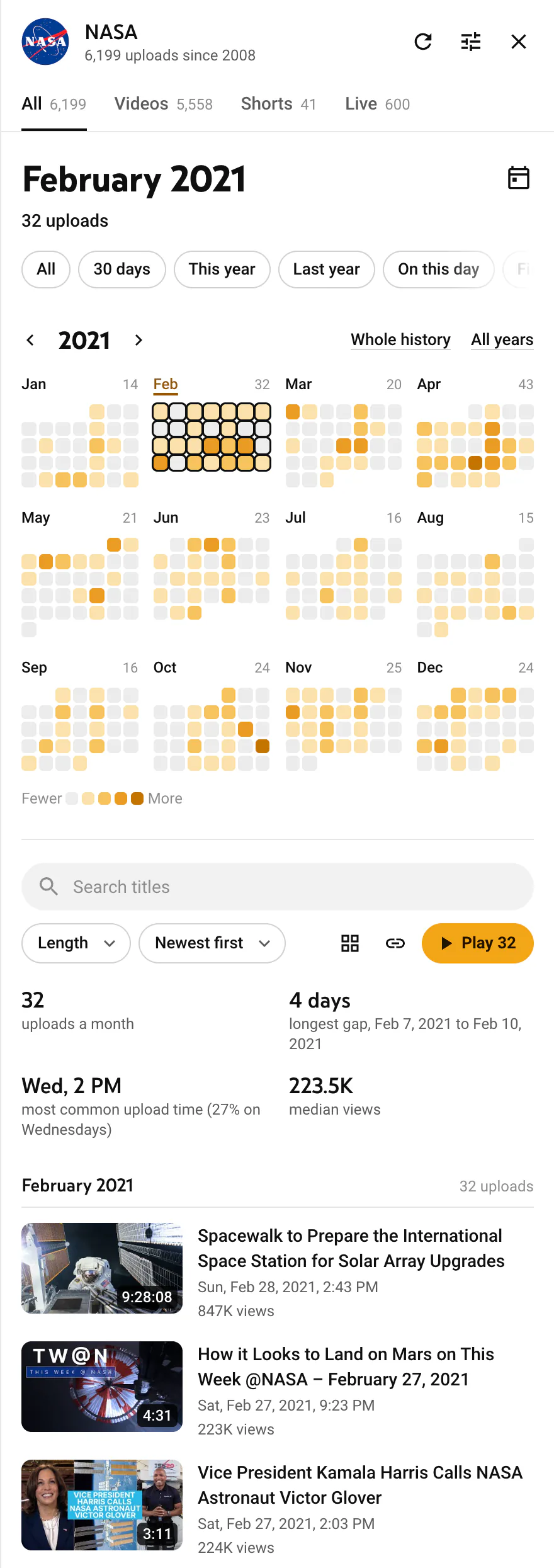
Get every upload from then
Exact dates and times, ready to play in order or share as a link.
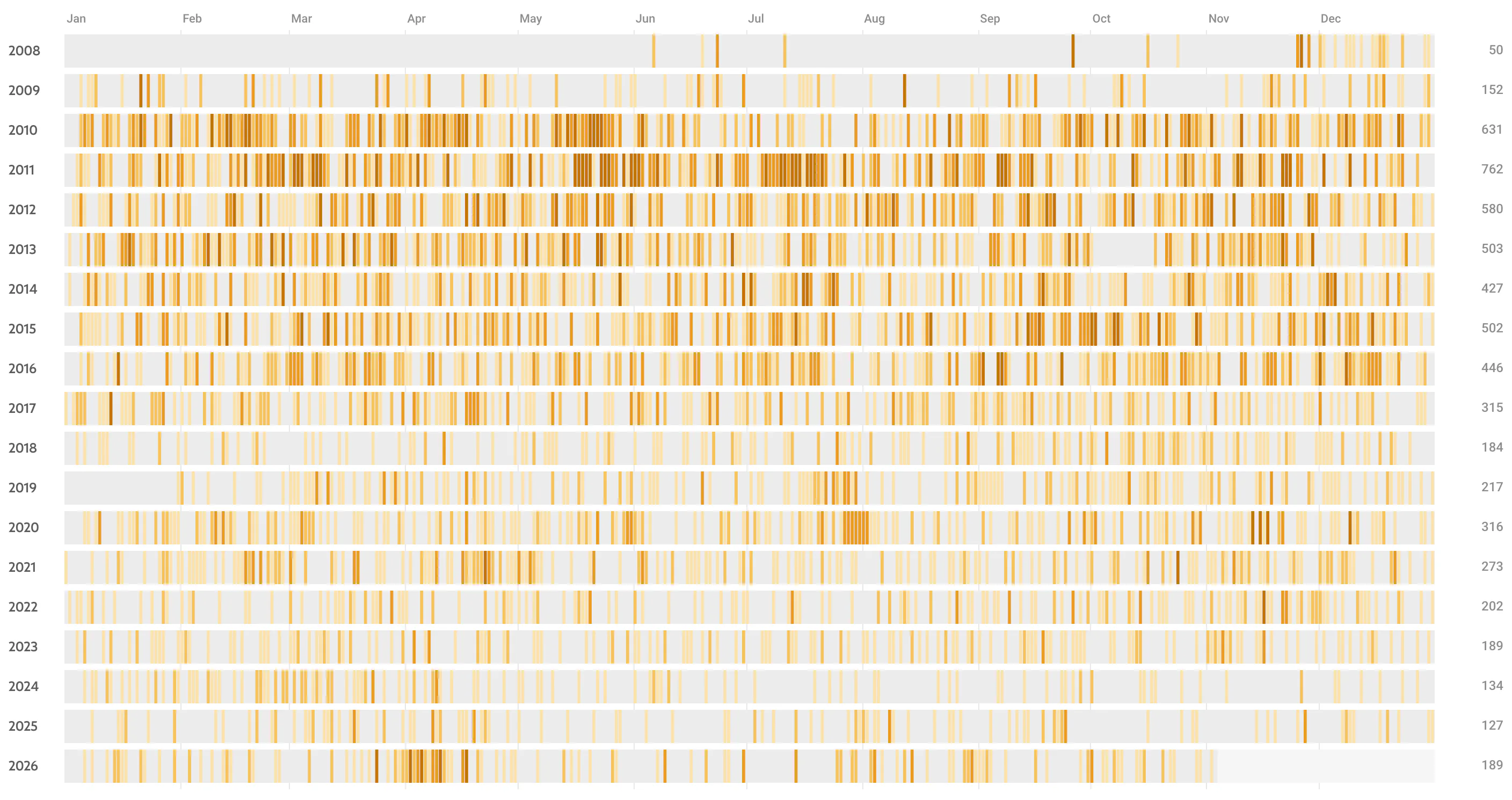
Screenshots: Channel Almanac running on NASA’s public YouTube channel. Not affiliated with YouTube or NASA.
Try it here
Type a date the way you would say it.
This is the extension’s own parser and search, running in your browser on an example channel with 1,334 uploads since 2011.
Most liked
Sort a channel by what people liked.
YouTube’s Popular sorts by views. Most liked, next to it, sorts by real like counts, read from each upload’s own like button.
Counts load for the uploads on screen, most viewed first, so the top is right within seconds. They’re saved, so each upload is looked up once.
More in the guide- We Are Going17M views1.3M likes
- How We Are Going to the Moon11M views480K likes
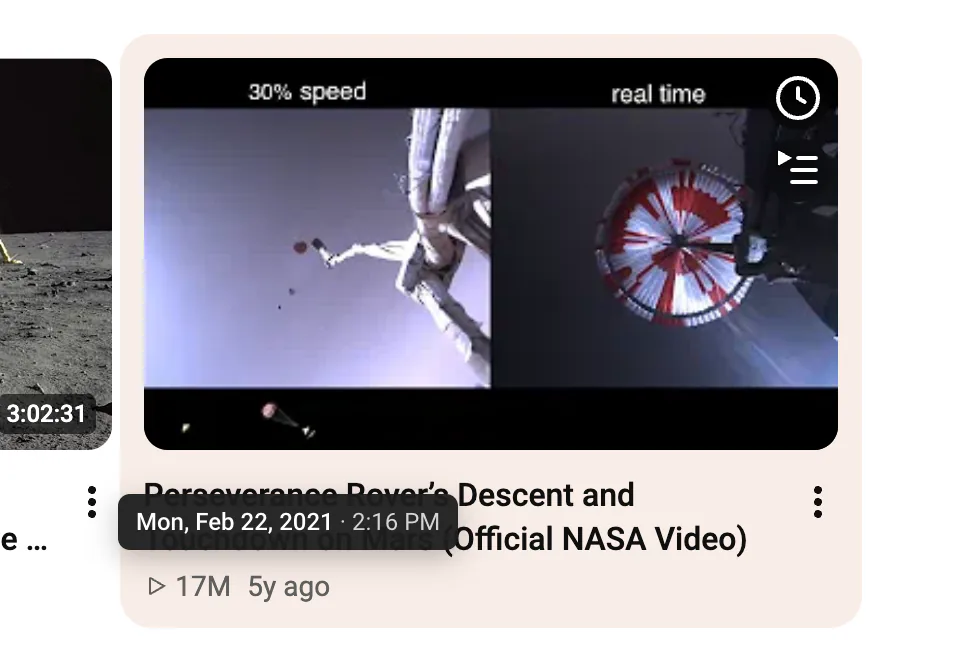
- Perseverance Rover’s Descent and Touchdown on Mars17M views388K likes
- We Are NASA3.8M views141K likes
- Restored Apollo 11 Moonwalk20M views130K likes
Popular puts The Year of Pluto first, with 21M views. By likes it’s #15.
Like counts from NASA’s public YouTube channel, read by the extension on 3 November 2026.
Everything in the panel
Read the guide- Type a datePlain words: “march 2019”, “summer 2021”, “christmas 2020”, “first video”. A preview counts the uploads before you press Enter.D
- Around this videoOn a watch page, see what the channel posted the same week. The video you are watching is marked Playing now.
- Whole historyEvery year as one row of days, so a whole career fits on one screen. Drag across days to pick a range.H
- First upload and milestonesJump to the first public upload. The 100th, 500th and 1,000th, and the most viewed, are marked on the timeline.
- Never a dead endWhen a range is empty, the closest uploads before and after are one click away.
- StandoutsUploads that beat the channel’s usual views for their period get a tag, like “4.2× usual”.
- Most likedA fourth sort next to Latest, Popular and Oldest. Counts load for the uploads on screen, most viewed first, and are saved.
- Play in orderPlay the whole view oldest first. When YouTube’s 50‑video playlist cap is reached, the next 50 start on their own.
- Exact dates on hoverPoint at any “3 years ago” anywhere on YouTube to read the exact date and time.
How it gets exact dates
YouTube’s list says “3 years ago” and nothing more. An exact time costs one request per video, so the panel asks about as few videos as it can, and only ever asks youtube.com.
100
uploads per request
The uploads list comes from YouTube’s own page data. A 1,000‑video channel opens in 10 to 15 requests.
≈20
lookups
Uploads are in date order, so only the ones at the edges of a range need an exact date. That decides every upload in or out, even on big channels.
3
at once, at most
Exact-date lookups leave gaps between them; background ones go one at a time, under two a second. Asked to slow down, it pauses for a minute.
1 to 3
requests to reopen
Channels you opened before load from your browser’s storage. Only new uploads are fetched.
The only site it talks to is youtube.com.
- No analytics, no tracking, no accounts, no servers of its own.
- Every request goes to youtube.com signed out: no cookies, no visitor id, nothing tied to your Google account.
- What it saves stays in your browser. Settings → Clear all saved data removes all of it.